




Crucible
- Open, close, install and update your apps
- Change settings and check for updates
- Show you where anything lives
 Crucible Local Agent
Type or say what you want. It opens your apps, builds maps in Heightmap and Creator, runs your server and knows Rust.
Local Agentmake me a mainland map and generate the world
Opened Crucible Heightmap
Made a mainland map
Generated the whole world
now generate a 4000 map in Creator and check it
Opened Creator
Generated a 4000 map
Checked it, no problems
put it on a server called Test and start it
Made the server Test
Loaded the map
Started it, it is live
how much sulfur for one C4
2,200 sulfur, all of it in the 20 explosives.
join it
Opened Rust and joined Test
Already use Claude, Codex or Cursor? Crucible has its own MCP for the whole family. Press Connect and your AI app drives Crucible, Crucible Heightmap and Crucible Local Server. Creator has its own Connect, so it can generate and check maps there too.
>build me a 4500 map with tall mountains, export it and start it on my Test server
Done. Test is live with your new map.
>generate a 4000 map in Creator, check it and start it on my Test server
Done. Test is live with your new map.
 Creator Connect
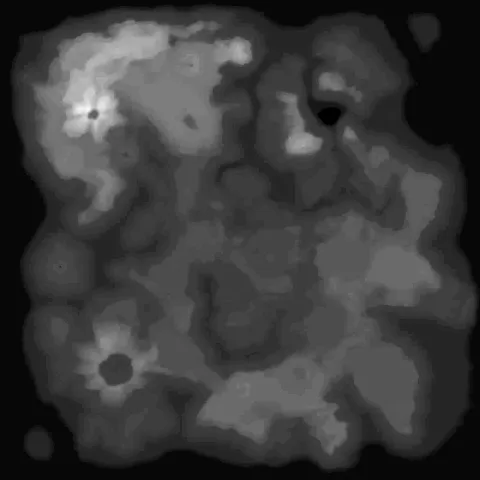
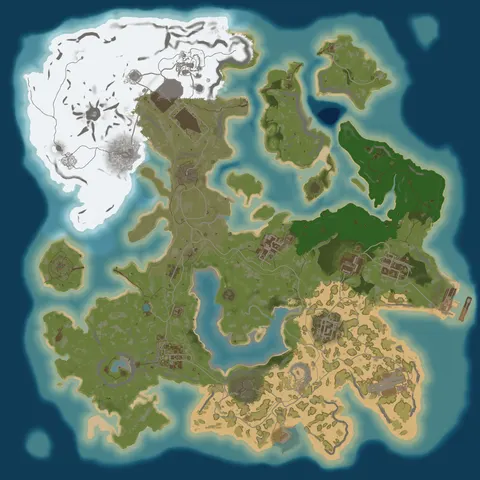
 Crucible HeightmapReadyShapingGeneratingExported
 Crucible Local ServerOfflineLoading mapOnline
 CreatorReadyWaiting for youGeneratingSaved
Press Connect next to your AI app in the Agent tab and restart it. That reaches Crucible, Crucible Heightmap and Crucible Local Server. Creator has its own Connect in its Preferences.
Bigger AI apps plan long jobs on their own. One ask can build a map, generate the world, export it and start it on your server.
Anything permanent waits for your Allow in Crucible, and Creator shows a Confirm card before any change. It never sees your license key or passwords.
Not on the list? Copy setup and paste it into any AI app that runs MCP servers, or hand it to the AI and let it add Crucible itself.
Crucible Local AgentBuilt in, freeThe free agent built into Crucible. Ask for a few things in one line and it does them in order.
Console commands, server variables, item names, recipes and prefab paths.
what is the prefab for a large wood box
assets/
how much sulfur for a rocket
1,400 sulfur, counting the gunpowder and the explosives.
make the mountains taller
Done. Mountains raised in Crucible Heightmap.
where do I cancel my plan
Open Account in Crucible and cancel it there. You keep it until your paid time runs out.
wipe the map on Test but keep blueprints
Wipe the map on Test and keep blueprints? Allow or Deny.
The voice comes with the same install. Pick one of ten voices and set its speed.
Turn on read-aloud and every answer is spoken as it is written.
Press the mic and talk. It sends what you said on its own.
Say "Hey Luna, start my server". Say "Hey Luna, stop" to cut it off. It listens even with Crucible minimized.
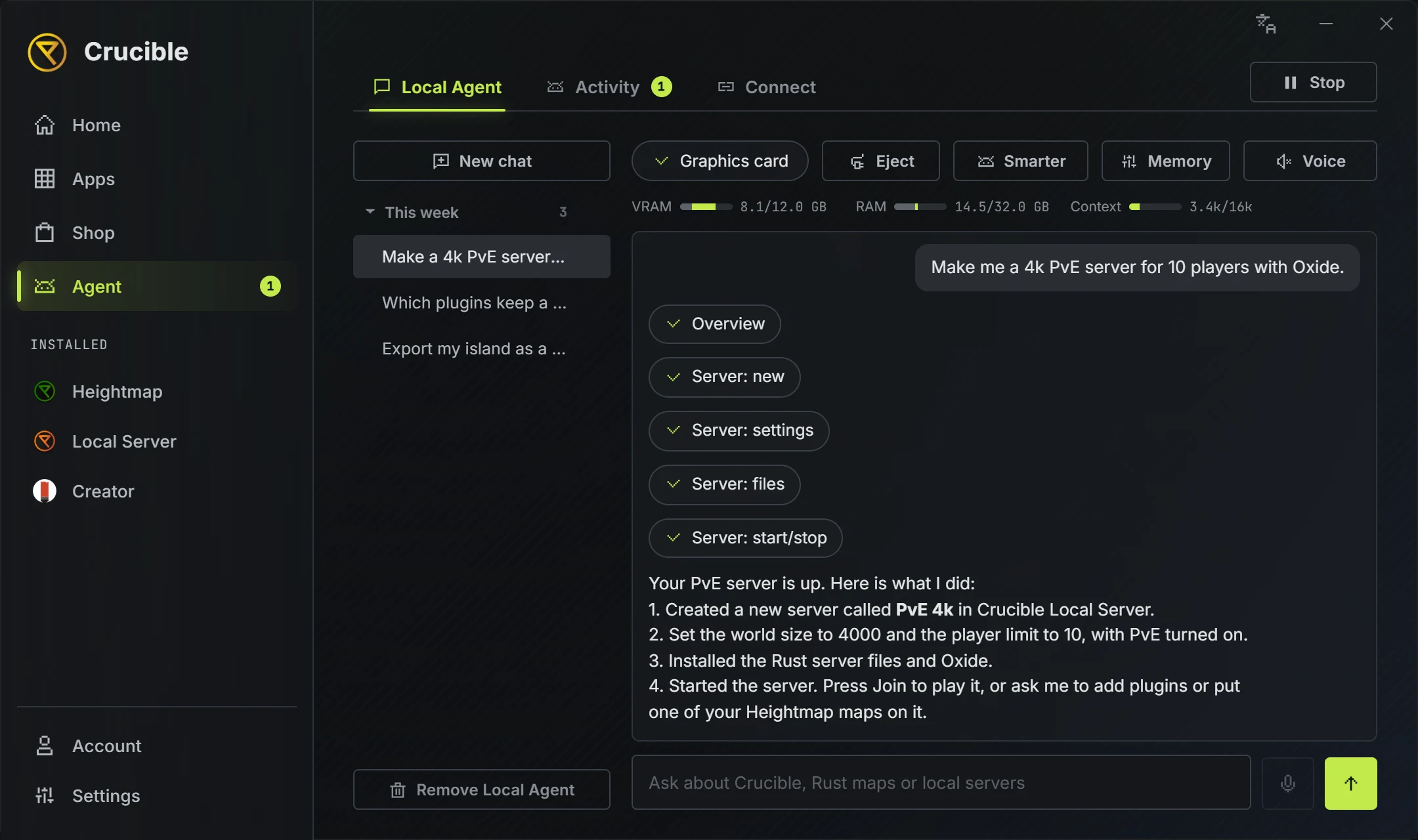
Crucible checks your graphics card and RAM and stars the one that fits. Switch any time.
about 1.2 GB download
Runs on your processor
The quickest one, and the one Crucible installs first.
about 3.8 GB download
Graphics card, about 3.6 GB free
Better answers on bigger asks.
about 6.5 GB download
Graphics card, about 5.9 GB free
The best answers, if your graphics card has room.
Yes. It is part of Crucible, and nothing installs until you press Install in the Agent tab.
No. It runs on your PC and your chats stay there. An AI app you connect follows its own terms.
Any Windows PC runs the Standard model. Crucible checks your graphics card and stars the best one that fits. A switch keeps room free for Rust and the Crucible Heightmap in-game view.
No. It cannot see your license key, and buying, changing or cancelling a plan stays with you in the Shop and Account. It can show you where those buttons are.
No. Deletes, wipes, restoring backups and uninstalling always ask first with an Allow or Deny card. Starting and setting up servers happens straight away, unless you switch on asking for everything.
Step by step, yes. It drives every step you ask for. For big multi-step jobs, connect a larger AI app like Claude Code or Codex from the Connect tab and it can use the same tools.
Yes. The Local Agent is new and keeps improving with Crucible updates. For now it is best at a few steps at a time, so very long jobs may need breaking into smaller asks.
It shares your graphics card with the game, so close Rust while you chat, or keep the room-for-Rust switch on.
Nothing found. Try the docs or ask on Discord.